We have heard your wishes, and have made a couple of small but mighty improvements to how you can handle changing the dates of bookings!
| Link to this release note in Finnish: Suomeksi täällä |
Move bookings directly in the Bookings list
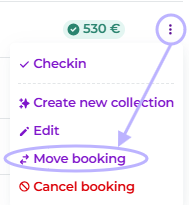
In the previously added three dots button in the right side of your Bookings list, you can now also find a Move booking -button.
Move multiple bookings within a Group booking
In Group bookings, you can now move multiple bookings all at once. Convenient, right? Here's some directions:
1. Go to Group bookings, then select the group you want to work with
2. Toggle Select multiple

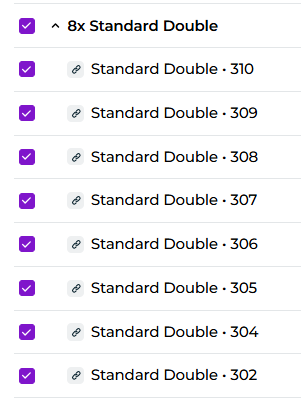
3. Select all bookings you want to move. In this example, I want to move all Standard Double rooms:
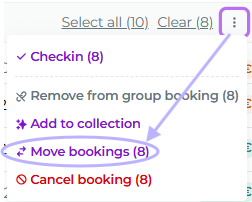
4. Click Move bookings button by the three dots in the upper right corner
6. Select new starting date
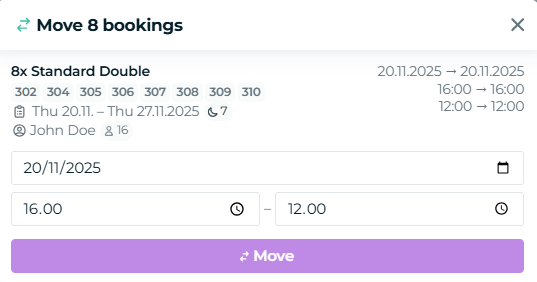
7. Done!
Was this article helpful?
That’s Great!
Thank you for your feedback
Sorry! We couldn't be helpful
Thank you for your feedback
Feedback sent
We appreciate your effort and will try to fix the article