Managing invoices in the invoices list
Last updated: September 23, 2026
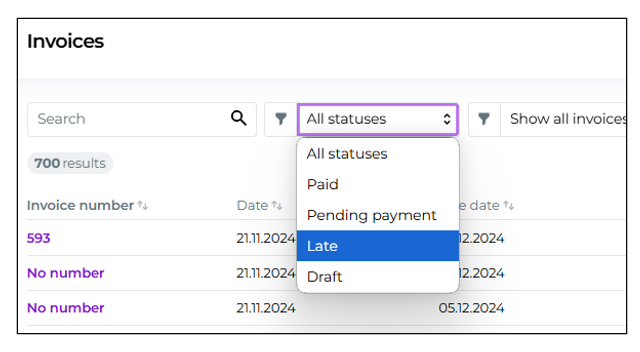
Through the Invoices list (Billing > Invoices) you can view all sent invoices and their statuses.

Invoices list
Through the top bar filters you can easily view, for example, overdue, billed or paid invoices. You can create a new invoice via the top right corner "Create new" -through the button. Moder allows creating and sending invoices also without a reservation.
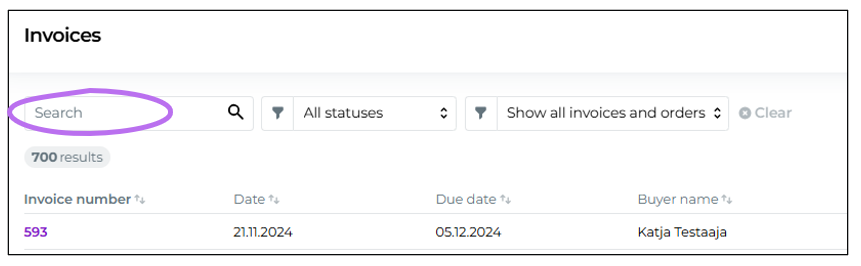
On the left side you have search bar, which you can use to search invoices by, for example, customer name, company name, invoice number, and amount.
You see All statuses from the status column different statuses, such as overdue and paid invoices as well as invoice drafts. A billed invoice means that the invoice has been sent, but it is still awaiting payment. An invoice draft is not visible to the customer, but you can save it as an invoice and forward it.
Filtering
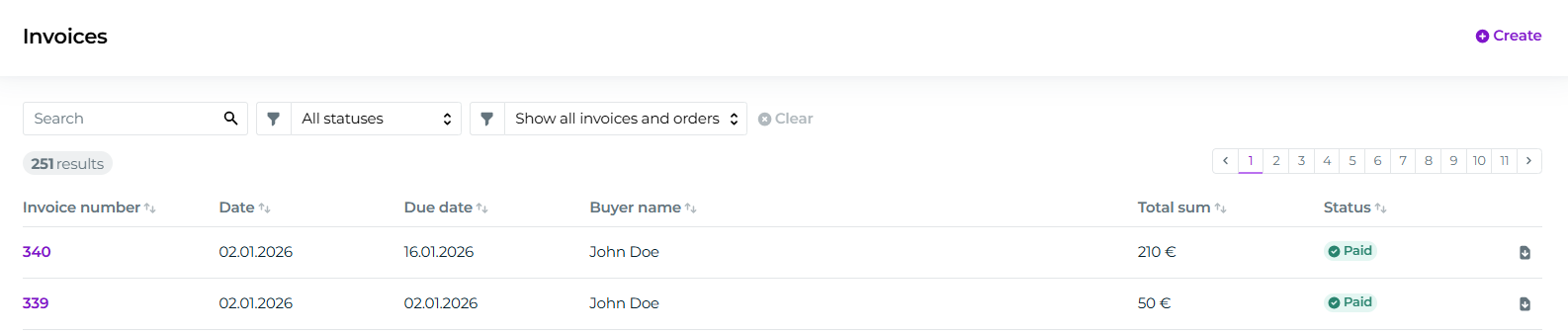
With the filters in the top bar you can easily limit the view
to paid,
to invoiced,
to overdue or
to draft invoices.
If you wish, you can view either invoices and online payments received via the web store online payments or only invoices.
Sorting
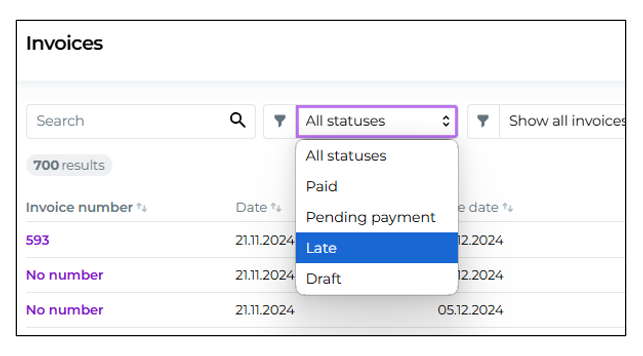
Sort the view by clicking the arrow icon at any column.

Invoice search
With the left edge search bar you can search invoices using various criteria, such as by customer name, company name, invoice number, or invoice amount.
Tips
With these tools and functions you can manage invoicing efficiently in Moder, ensure that financial data is up to date and that invoices sent to customers are processed correctly.
Overdue invoices
Keep an eye on overdue invoices and, if necessary, contact customers to remind them about the payment.

Invoice draft management
Use invoice drafts when you want to prepare invoices in advance but are not yet ready to send them.

Monitoring
Regularly monitor invoice statuses to ensure that all invoices are handled on time and payments are recorded correctly.