Notifications in Moder
Last updated: August 26, 2026
We keep you up to date on everything important: new features, current news, possible outages and warnings – all directly in your Moder!
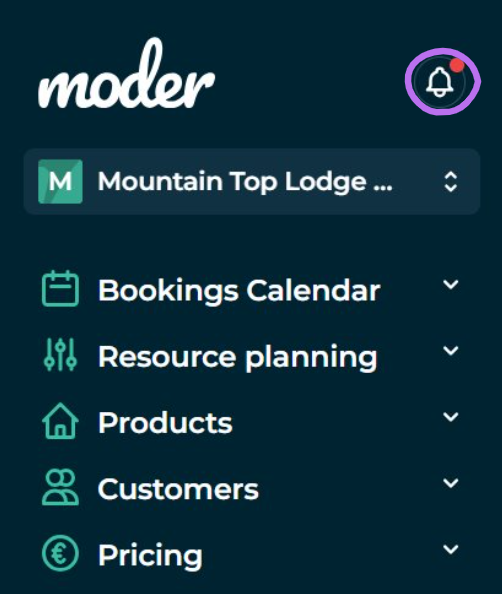
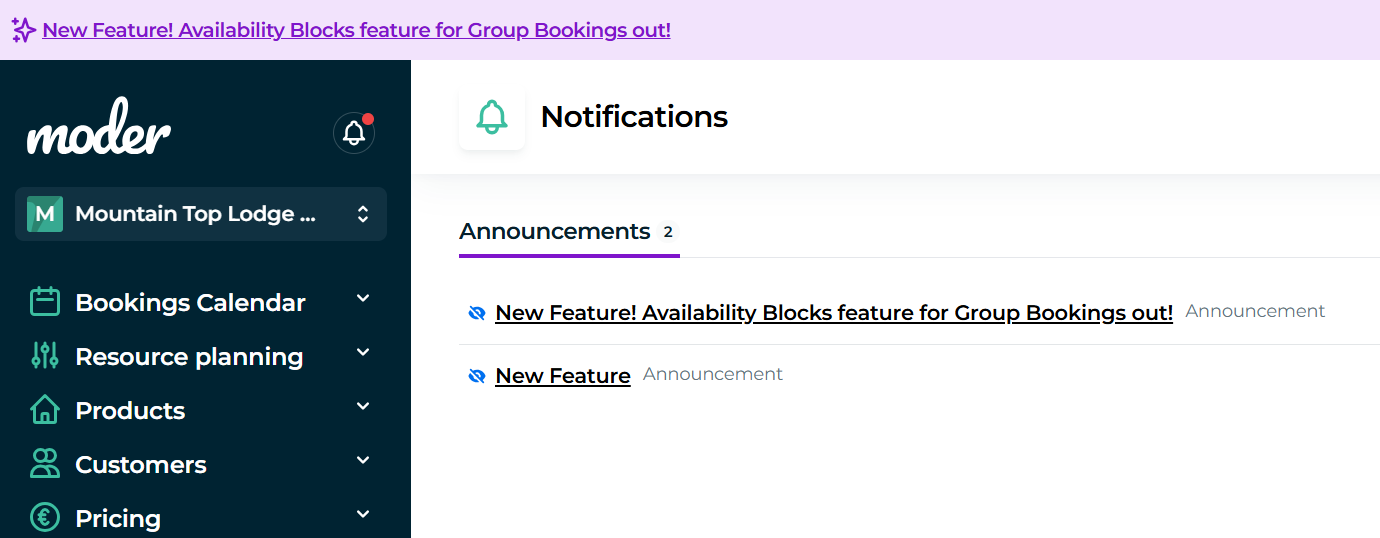
When you receive a notification, you will see a red dot on the clock icon, and the notification itself appears at the top of your Moder. If the notification includes a link, you can click directly for more information.
When everything is clear, you can also mark the notifications as read, causing the notification to disappear from the top.
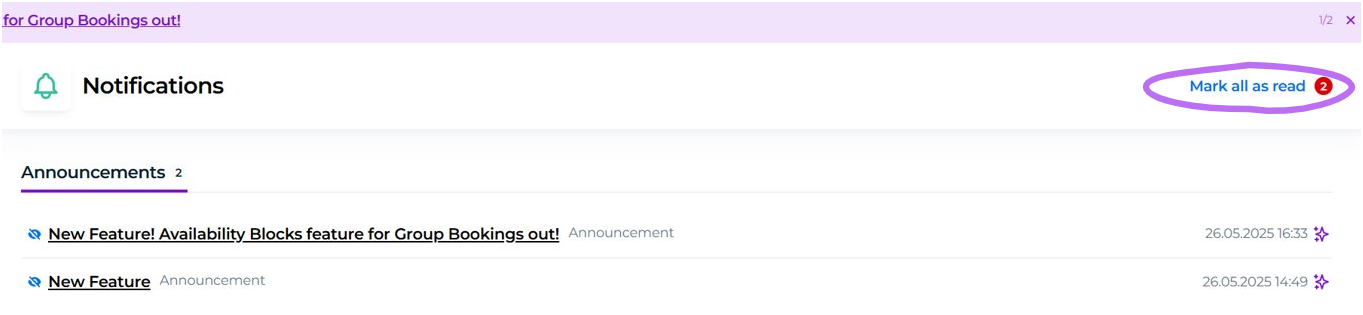
However, you can always access all notifications again by clicking the clock.