GuestApp & passenger card
Last updated: September 22, 2026
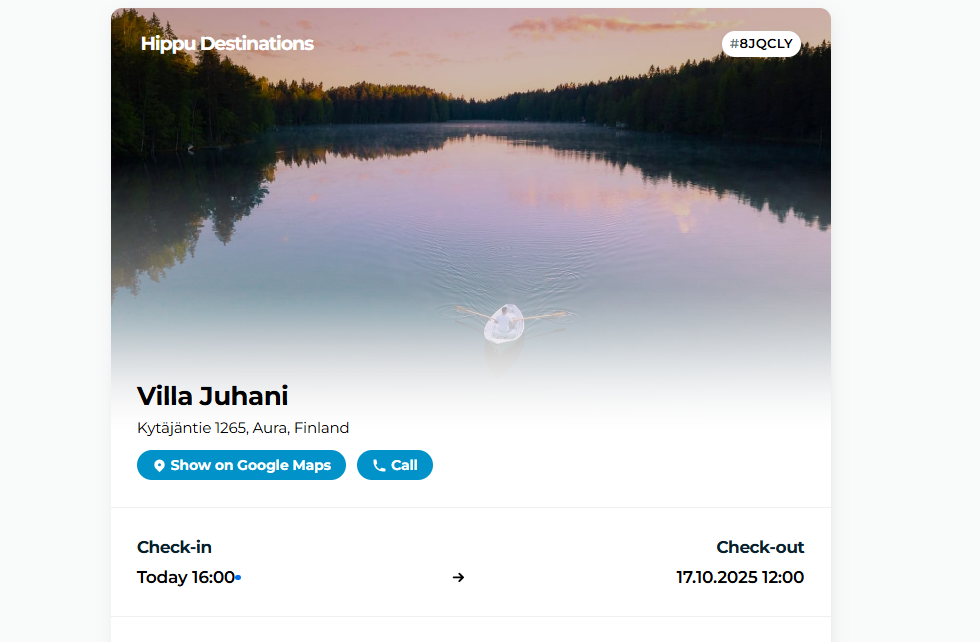
GuestApp is a place where the guest can find all the most important information of their booking. Despite of the name, it is not an actual app that the guest should download: it is a a web page where customer gets a link from their booking confirmation.
Guests can fill in the traveller registration form (passenger card) electronically through the GuestApp link. With Moder, you can easily collect traveller registration forms digitally and print them directly from Moder when needed. Read more below!
What is GuestApp?
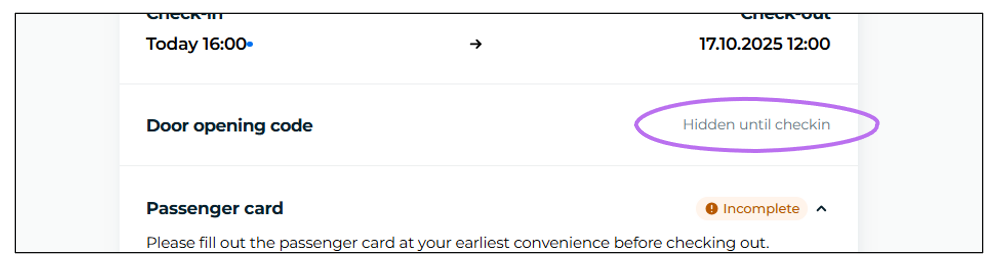
From GuestApp the customer can easily see all their reservation details, and there you can, for example, fill out the electronic passenger card. If you have a locking integration in place, the unique PIN code that is generated for the booking will be visible on GuestApp between the check-in and check-out times of the booking. Note that the PIN code remains hidden until the check-in time of the booking.
How does GuestApp work?
The information for GuestApp comes directly from the reservation. GuestApp works in real time, meaning that as soon as you make a change to a reservation, the information is updated in GuestApp.
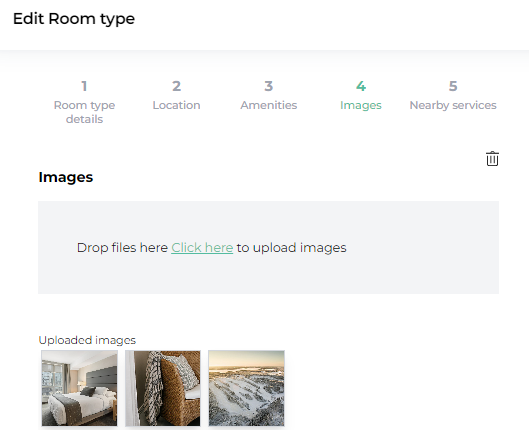
GuestApp cannot be customized except by making changes to the reservation, or to the property itself, i.e., if you have, for example, multiple double rooms, each slightly different in décor, the picture that has been set for that specific room type as the first image in the property's "Images and Texts" section in Moder will appear in GuestApp.
How do I edit the information shown in GuestApp?
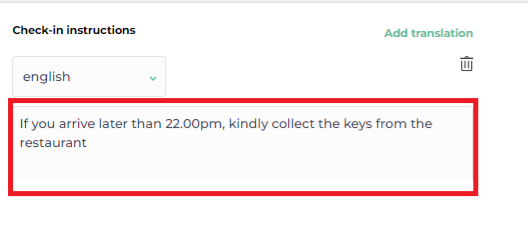
If you want to edit or update any information, the changes need to be made under the product - for example, if you want to add a check‑in instructions:
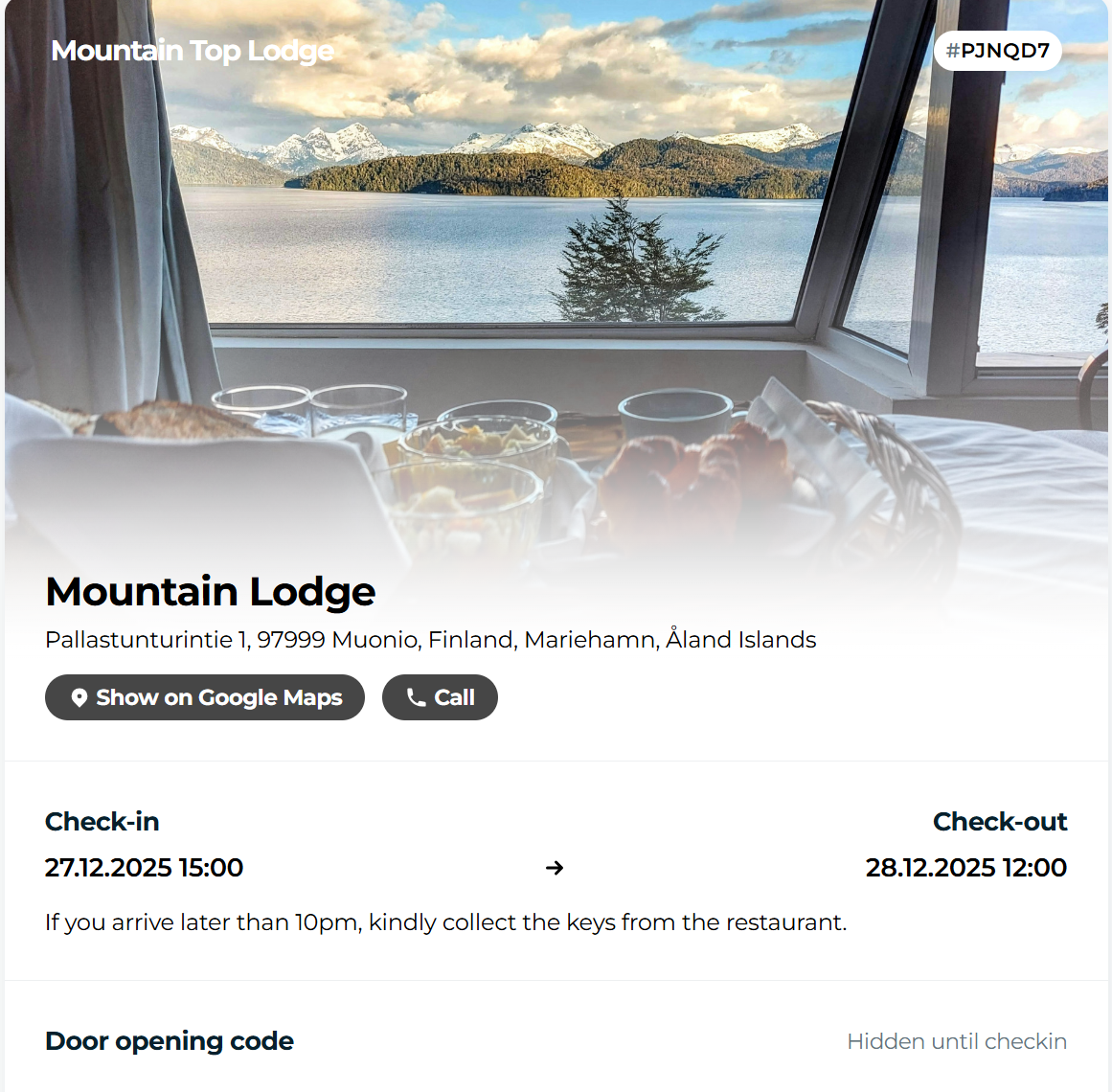
And the check‑in instruction is conveniently transferred directly to the customer's GuestApp:
PIN code in GuestApp
The PIN code and room number are hidden until arrival, but are visible to your customer in GuestApp throughout their stay:
Booking terms and confirmation, and payment receipt in GuestApp
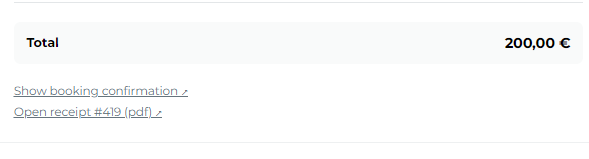
From GuestApp the customer can also download the reservation terms and confirmation. Additionally, if the customer has paid, for example, a prepayment, they can download the receipt for the payment.
Passenger card (traveller registration form)
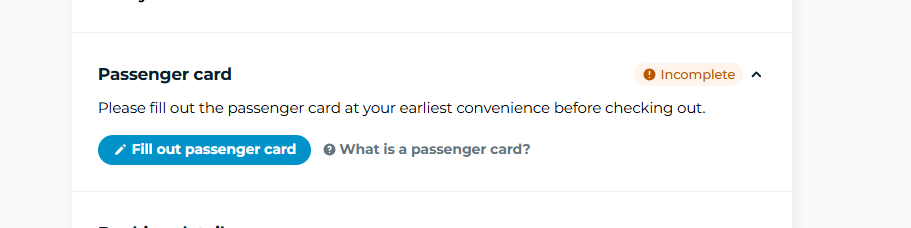
Traveller registration details are collected digitally in Moder through the GuestApp. Each guest fills in their own traveller details, and the completed form is signed directly on the phone screen. The completed traveller registration form is stored in Moder and can be printed or saved as a PDF when needed, for example if requested by the authorities.
The customer can fill in the passenger card electronically here:
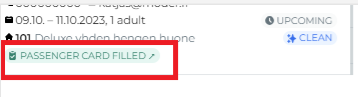
When the passenger card is filled in, the information appears on the reservation in green text:
How to print out the passenger card
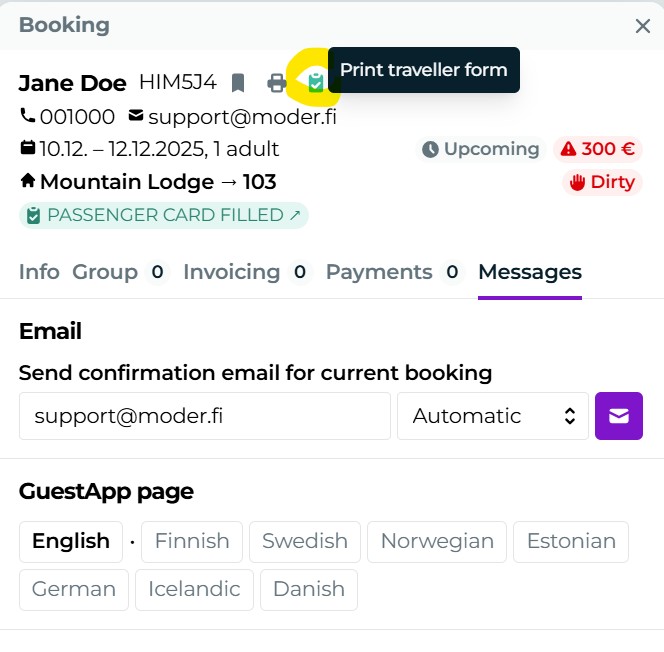
You can also optionally print the passenger card (traveller form) the reservation as a PDF file:
Notes about GuestApp
Please note that the GuestApp link is found only in the customer's own reservation confirmation; it is not in your reservation confirmation copy, which you receive for all reservations.
If the reservation has, however, been made through an external booking channel (such as Booking.com), the GuestApp link will also appear on your confirmation.