30.9.2026: The redesigned invoice page is now in Moder 🎉
Last updated: September 30, 2026
We have completely redesigned the invoice editing page in Moder. With the new view, creating, editing and managing invoices is now clearer and more streamlined than before.
Payer
You can now search for existing customer and company profiles directly from the Payer field. Alternatively, you can enter the payer details manually without linking them to a customer or company profile.
By default, the payer details will still be the same as the guest details.
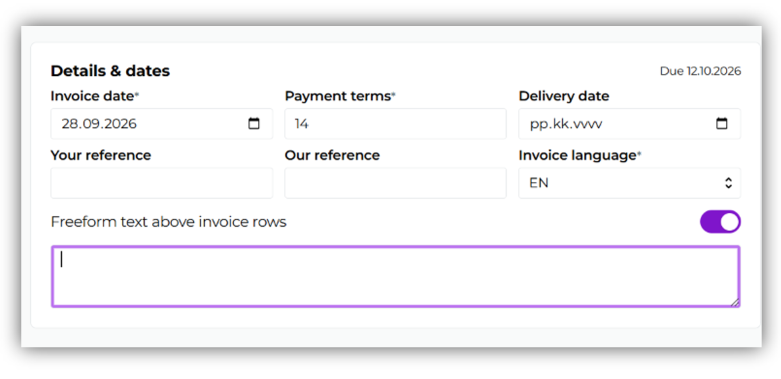
Details and dates
In this section, you can edit the invoice due date, references, language and free text as before.
Please note that the free text field can be enabled using the toggle.
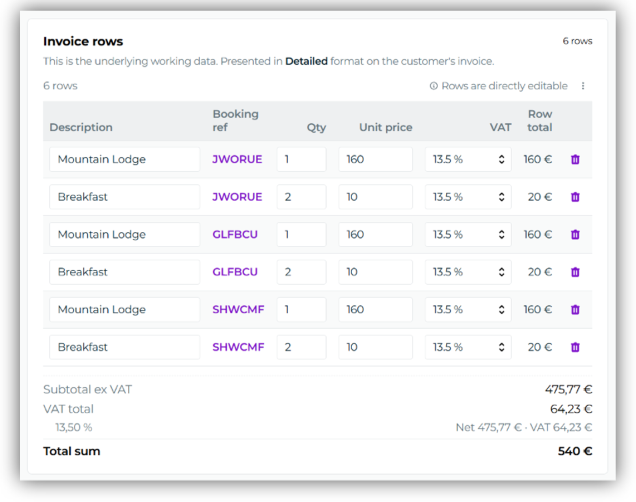
Invoice rows
In the Invoice rows section, you can edit invoice rows and remove them from the invoice when needed.
Please note that invoice rows can no longer be edited once the invoice draft has been saved as a numbered invoice. Make sure you have made all necessary changes to the invoice rows before saving the draft as an invoice.
Customer's invoice
In this section, you can choose how the invoice content is displayed to the customer. There are three options:
Detailed: keeps each product visible as a separate invoice row.
Summary: combines invoice rows for the same product into a single row.
Custom text: summarises the invoice into a single row with text that you can define yourself.
You can check the final invoice format at any time by clicking Preview rows or using the Preview PDF button in the top-right corner.
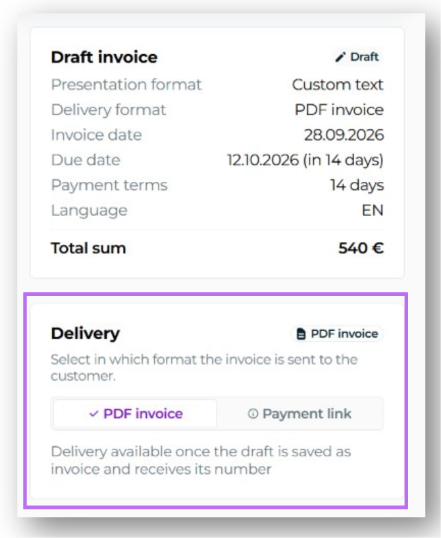
Delivery
In the Delivery section on the right-hand side, you can choose whether the invoice is sent to the customer as a payment link or as a PDF invoice.
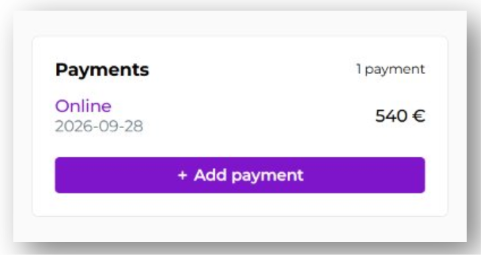
Payments
In the Payments section, you can manually record payments on the invoice and view payments that have already been recorded.
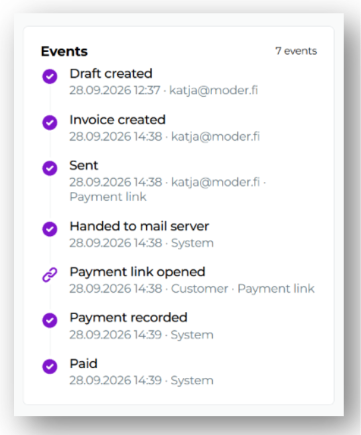
Events
The new Events section shows you the invoice event history. For example, you can see:
when the invoice was sent and in which format
whether the customer has opened the payment link
when payments have been recorded on the invoice.
Please note this before saving the invoice
With the update, editing invoice rows becomes locked once an invoice draft is saved as a numbered invoice.
Please make sure that all necessary changes to the invoice rows have been made before saving the invoice draft as an invoice.
👉 Read the detailed instructions and watch video introductions from the following support articles: