Why does the GuestApp link for a canceled reservation show a 404 error?
Last updated: September 9, 2026
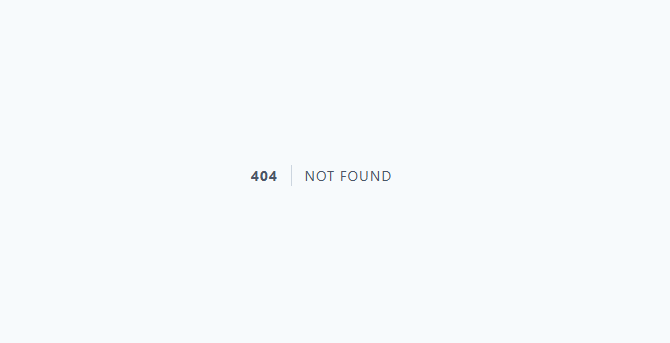
When a reservation is canceled in the system, the GuestApp link in the reservation’s original confirmation message stops working. If the customer tries to open the link after the reservation has been canceled, they will see "404 Not Found" error page.
Why does this happen?
The GuestApp page associated with a canceled reservation is automatically deactivated when the reservation is canceled. This is expected behavior—the page is no longer available because the reservation is no longer valid.
What should you do if a customer contacts you about the error?
If a customer reports seeing a 404 error from the GuestApp link, first check the reservation status in the system. If the reservation has been canceled, explain to the customer that the link no longer works as a result of the cancellation and that this is normal system behavior.
Remind customers that confirmation links for canceled reservations are no longer available. If the customer needs documentation of the cancellation, provide it another way, for example by sending the cancellation confirmation by email.