Allocation of reservation to a specific user
Last updated: January 7, 2026
Admins can allocate reservations to specific users in Moder.
Allocation can be done by opening the desired reservation and clicking the person's head icon on the lower left corner:
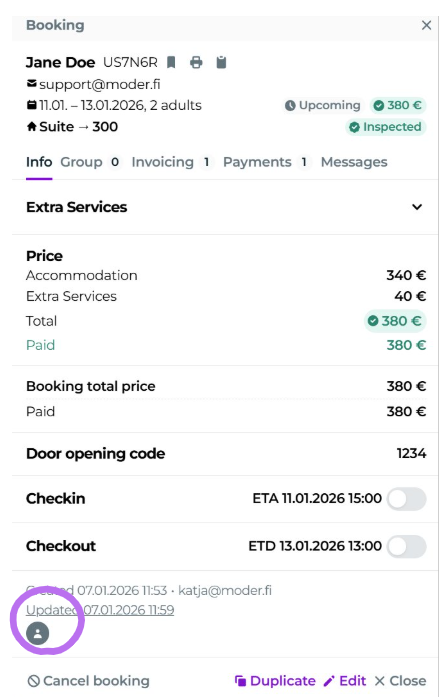
After that you get a list of all users on the account, and you can select the desired user from the list. Remember to save the user's allocation by clicking "Save".
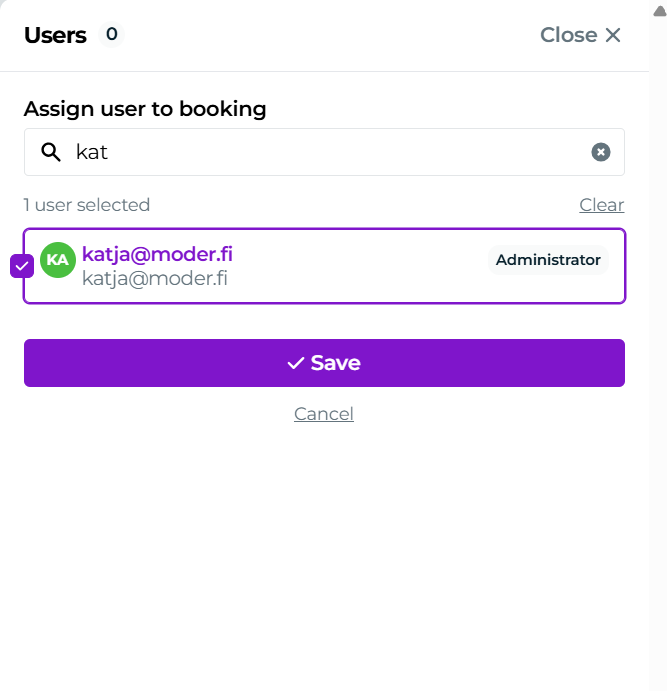
Removing or changing the allocated user to another user follows the same path, always remember to save your changes.
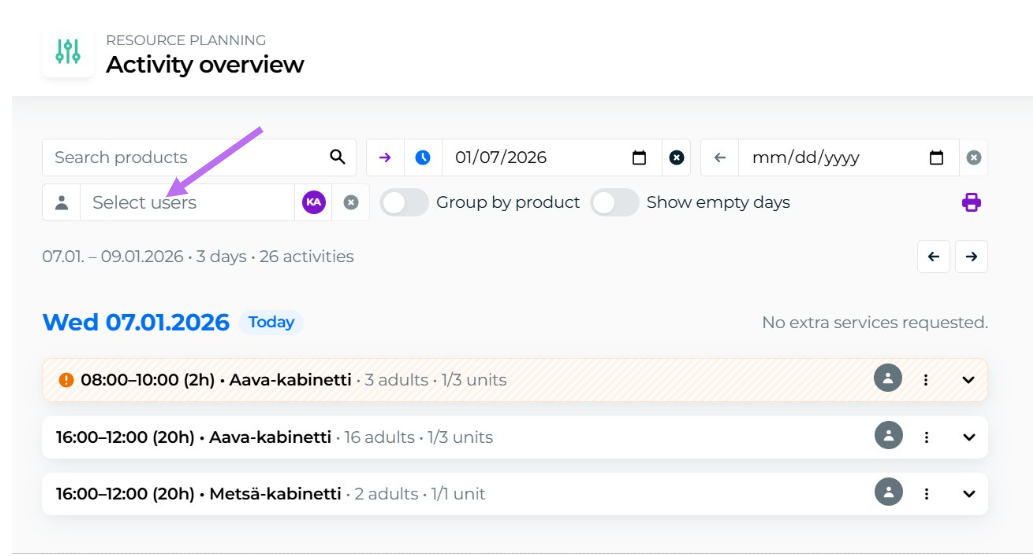
From the Resource planning Accommodation and Activity views you can also filter reservations by the allocated person: