19.1.2026 Updated support site and improvements to invoicing
Last updated: January 19, 2026
Our support portal has been revamped! You can now find guides and up-to-date announcements more easily – all from one address. We also present the improvements made to the invoice list, and the new arrangement of the Group tab..
Suomeksi saat tämän tuotejulkaisun painamalla yläreunan kielivalintaa:

New Knowledge Base.
Our support site has undergone a real transformation! The revamped support portal is more comprehensive and easier to use. Find the instructions you need quickly with keywords, browse the most popular articles, and check the up-to-date guides.
You can go directly to the new support site from Moderi by clicking the button:

Or from the address https://support.moder.fi/
You can also bookmark the page in your browser!
It looks like this:
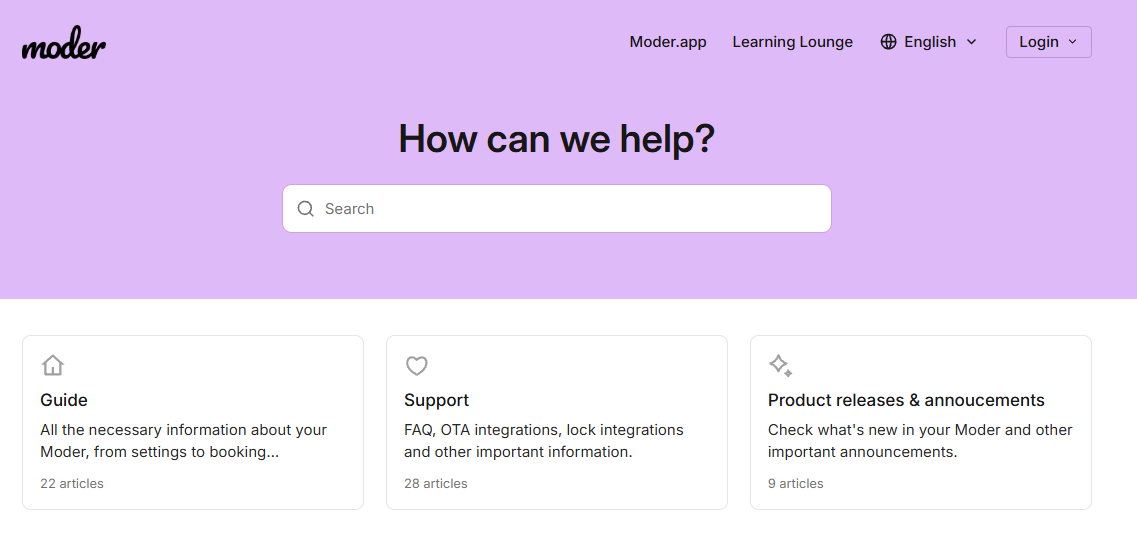
The guide contains all the necessary instructions and manuals on how Moderia is properly run.
Support articles has the answers to the most frequently asked questions, information on integrating external sales channels or lock integrations, and other important matters.
Product releases & announcements the section has articles on the latest updates and the most important announcements.
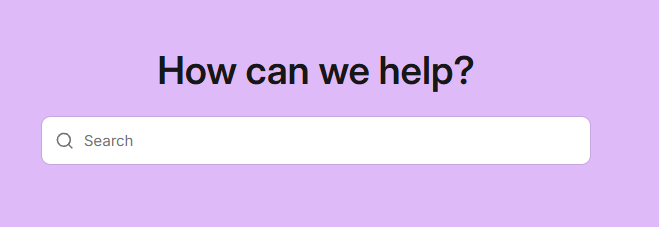
With the search function you will easily find the instructions. Just type into the box what subject your issue concerns:
After this, the support site lists articles and instructions related to the topic:
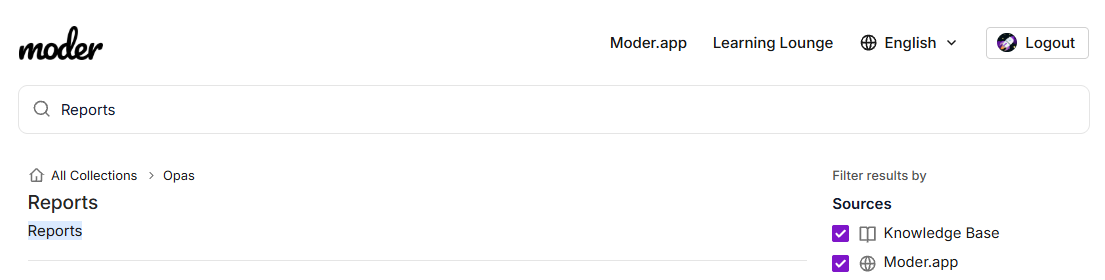
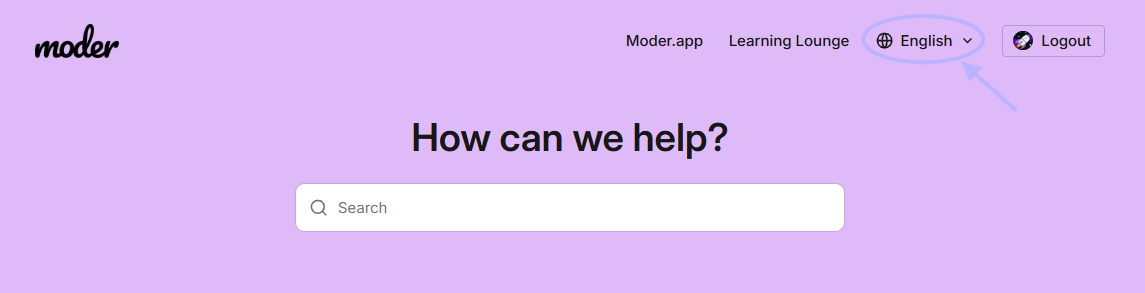
The site language selection can be changed from the top:
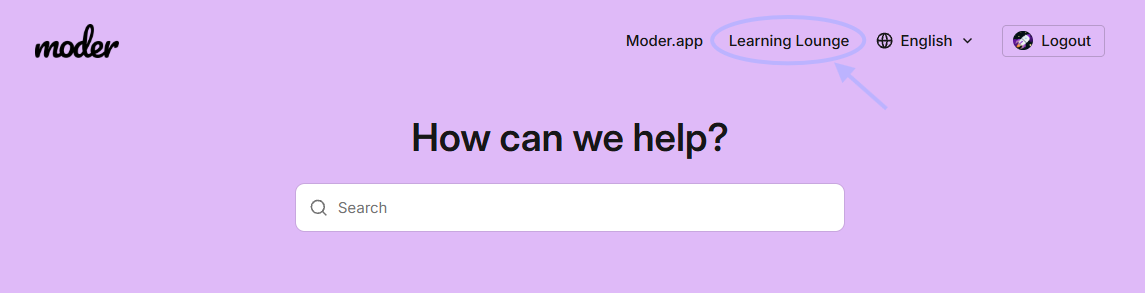
You can now also Moder Learning Lounge directly from the support site:
Improvements to invoicing functions.
The invoice list has received two small, yet even more valuable improvements.
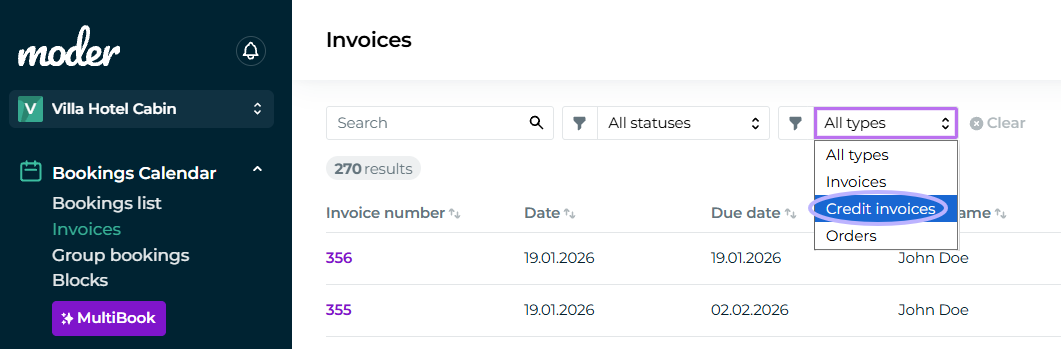
Filter by credit invoice.
The invoice list can now be filtered to show only credit invoices using the new filter:
Updates to credit invoices.
Moder now recognizes if an invoice has a credit invoice. So if you create a credit invoice, the original invoice will no longer appear on the Late -list:
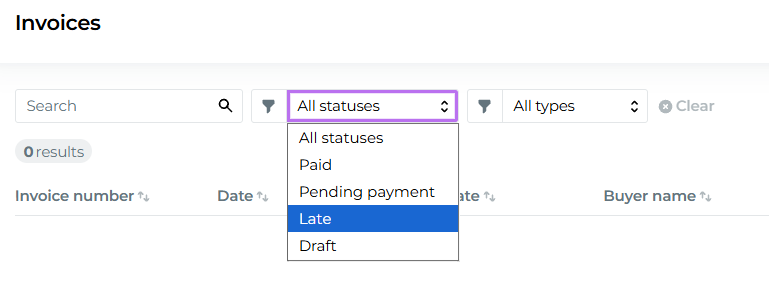
This makes it easier to write off unpaid invoices.
However, if the original invoice has been paid, the credit note must still be marked as paid using the payment method through which the money was returned to the customer.
More information about creating a credit invoice in this guide: Credit note
Group tab new order.
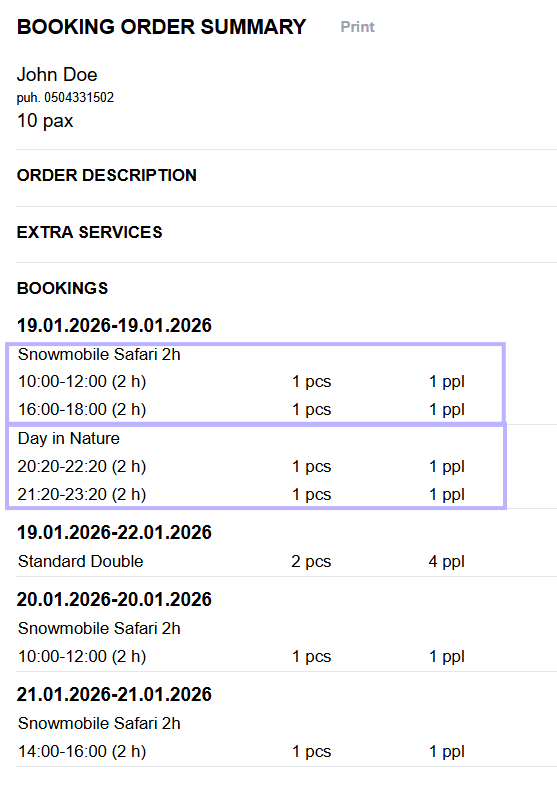
The order of the Group tab displayed in the overview reservation has changed to chronological by date and time:
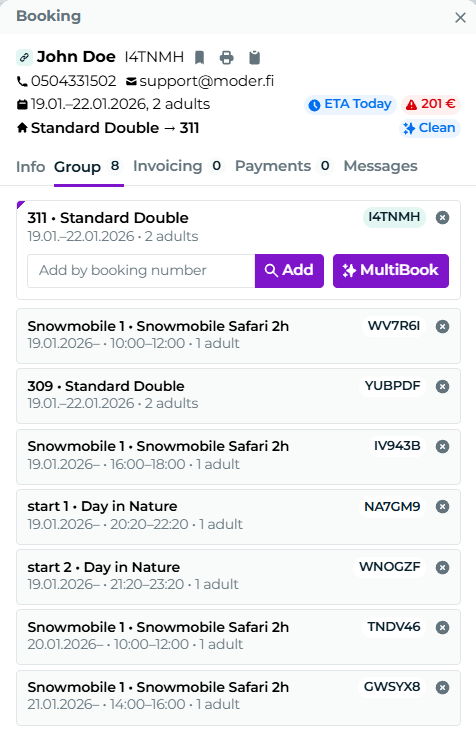
In the booking order summary, activities for the same day are grouped together by product type, but otherwise it is also now chronological: