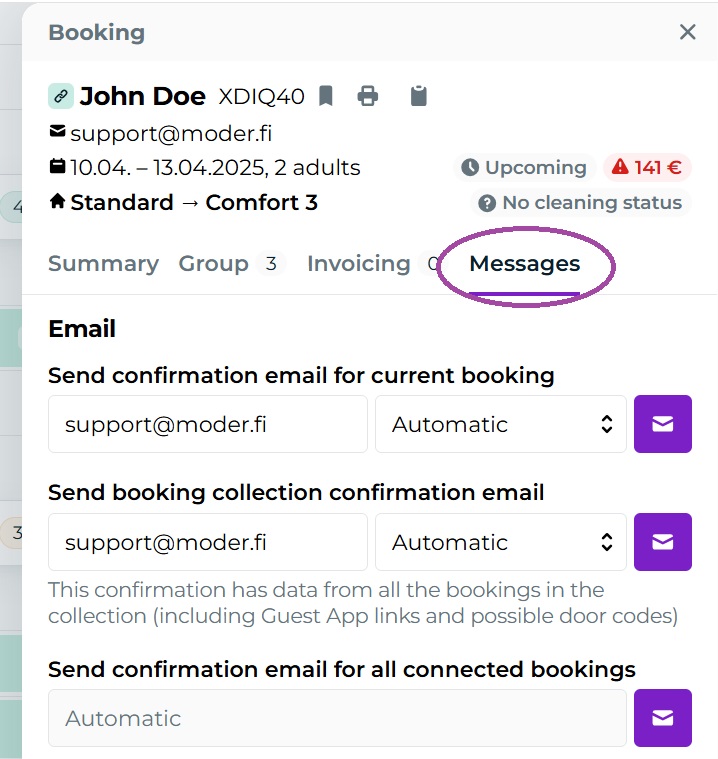
31.3.2025 Messages tab
Last updated: January 21, 2026
We revamped message sending in Moder! You can now find all the necessary message-related functionalities for each reservation from the new Messages tab.
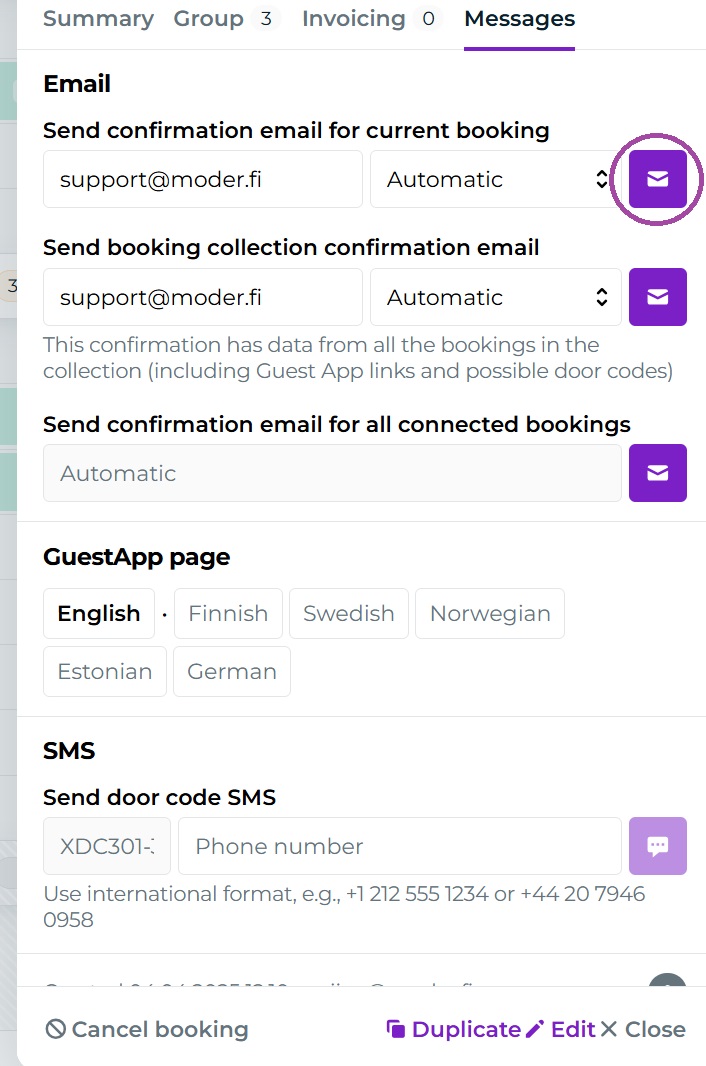
From now on, you can use this to send your customer, for example, booking confirmation, group booking confirmation (i.e., summary message) and if needed door code. You can also view the customer's GuestApp site.
Moder automatically pulls email confirmations and the phone number for the door code from your reservation, but you can edit these to other ones if you wish. Messages to customers are sent from the purple buttons:
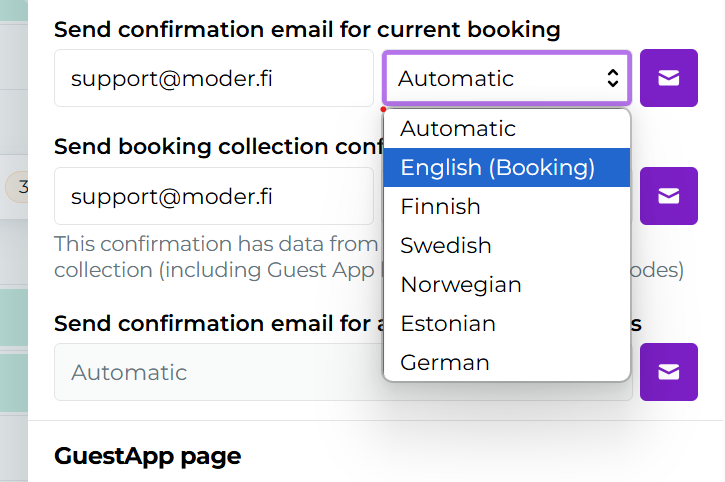
You can also select the desired language for the confirmation from the dropdown:
All previously Edit section the communication-related items have been moved here to an easily manageable Messages tab, which can be found in each reservation preview view: