23.2.2026: MultiBook updates, and improvements to adding users
Last updated: February 23, 2026
Helpful updates arrived directly from product development pipeline to your Moder, especially to Multibook!
MultiBook updates
Customer contact details more clearly as a separate menu
Company profile can now be linked directly in MultiBook, without customer details
Check-out now possible without customer details
Adding a user to Moder became easier.
Improvements to MultiBook
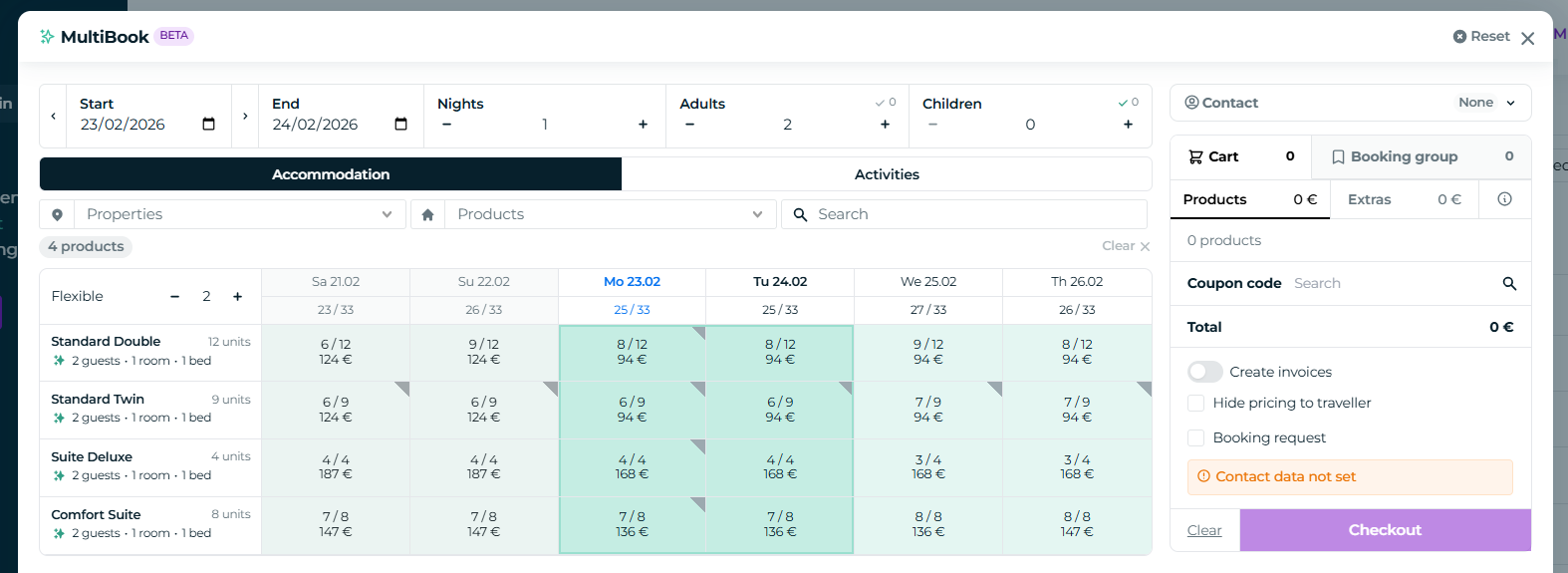
MultiBook now has clarifying updates. For example, setting a contact person is now clearer, and you can also link just a company profile as a contact.
Contact details in a new location
You can now also choose whether to fetch existing customer information or create a completely new one.
New location:
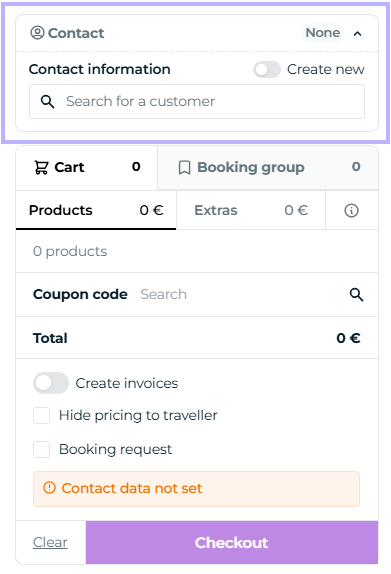
You can open and close contacts from this button:

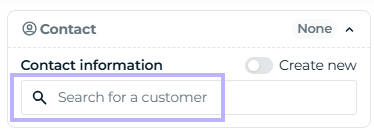
Search for an existing customer profile from this search bar:
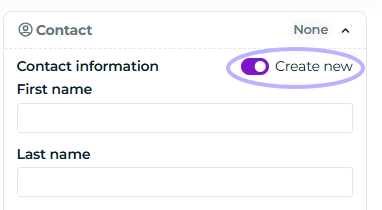
Create an entirely new customer profile by clicking this option:
Linking a company profile
You can now also link a company profile to a MultiBook reservation:
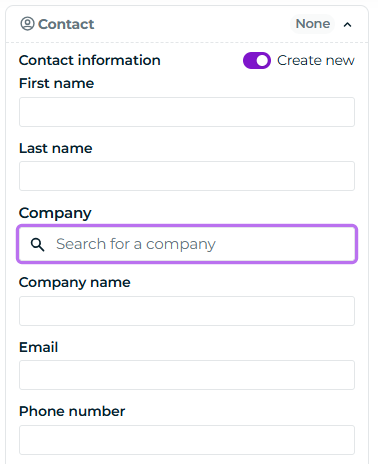
You can now also make a reservation that has only a corporate account and no guest name at all:
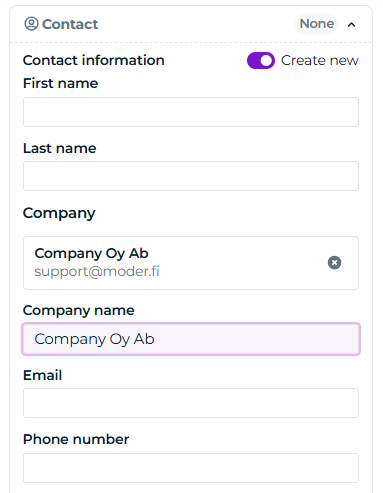
On the bookings list, a reservation that relies solely on corporate information appears unnamed, but the company's name is shown in parentheses:

Checkout without customer information
You can now also make a completely nameless in MultiBook:
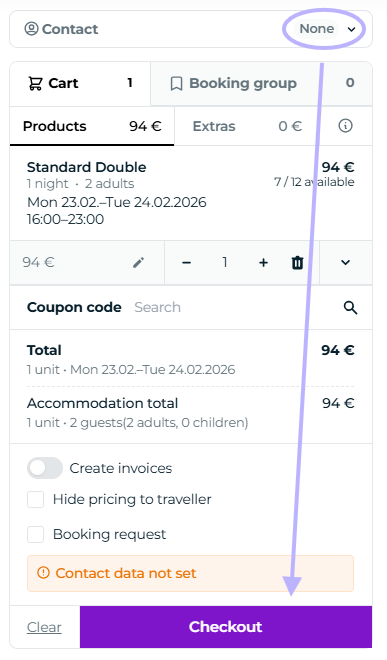
Adding a user just became easier
Great news! Now Moder sends an automatic email to a new user that prompts them to set a password. It looks like this:
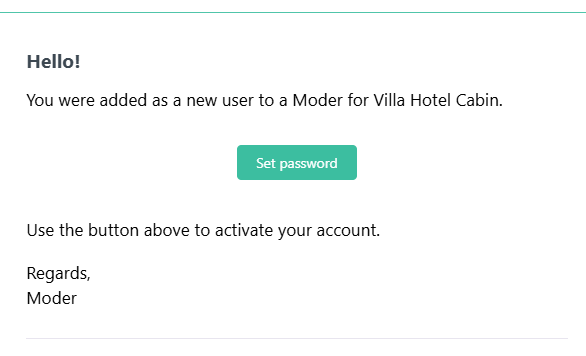
Adding a new user is covered in this guide: