18.9.2025 Many desired features
Last updated: January 21, 2026
Many small but much-requested features have arrived in Moder! Check out the latest updates below and take full advantage of the new features right away.
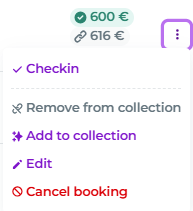
New functionalities in the bookings list
Three small dots have appeared on the edge of the booking list. By clicking it, you can access new actions, such as checking-in, editing a booking, cancelling it, or conveniently adding linked bookings to the selected booking using Multibook (Add to collection).
Default time for extras
You can now add a default time to add-on services if you wish. For example, you can set what time breakfast is available by default. Here’s how:
Open the add-on service you want, in this example Breakfast Standard:

Add a default time:
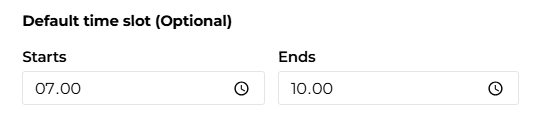
This way, you don’t need to add a time separately for the add-on service; it will use the default time. It will also appear in the Resource planning Extras view when you click the quantity.
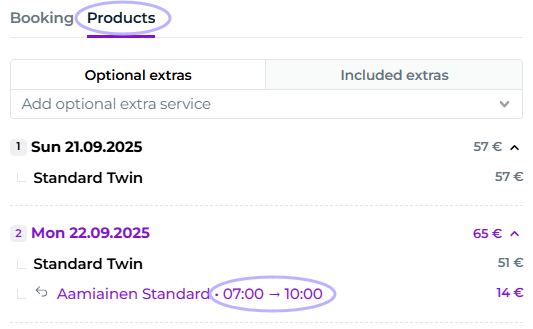
Even if a default time is set, you can still edit the time from the booking’s Products tab:
Short name for products
You can now add a shorter name for a product in the product’s basic information:
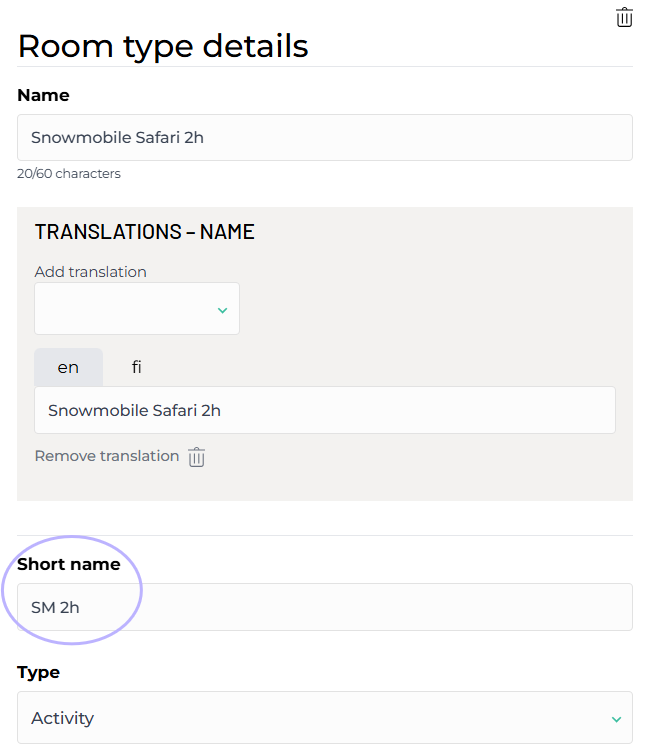
If a short name is used, it will be displayed by default in the calendar view:
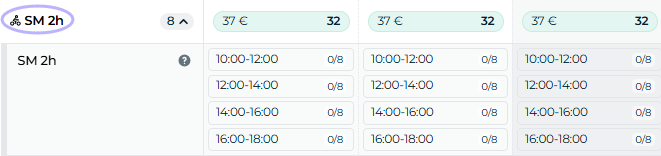
The short name is only shown here and will not be visible to your customers.
Cleaning and Key Service user role update
The Cleaning and Key Service user roles can now view the Extras section in Resource Planning.
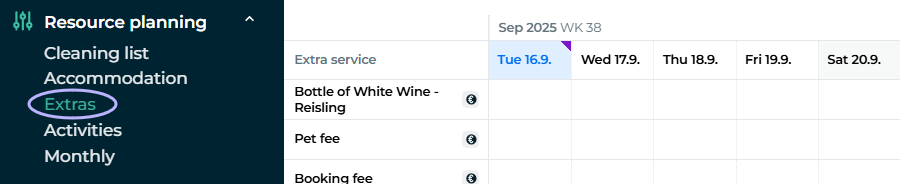
The Cleaning role can see the list but cannot click the numbers to open bookers’ information. The Key Service role can also view that information in the add-ons view.
More about user roles in this guide article: Users
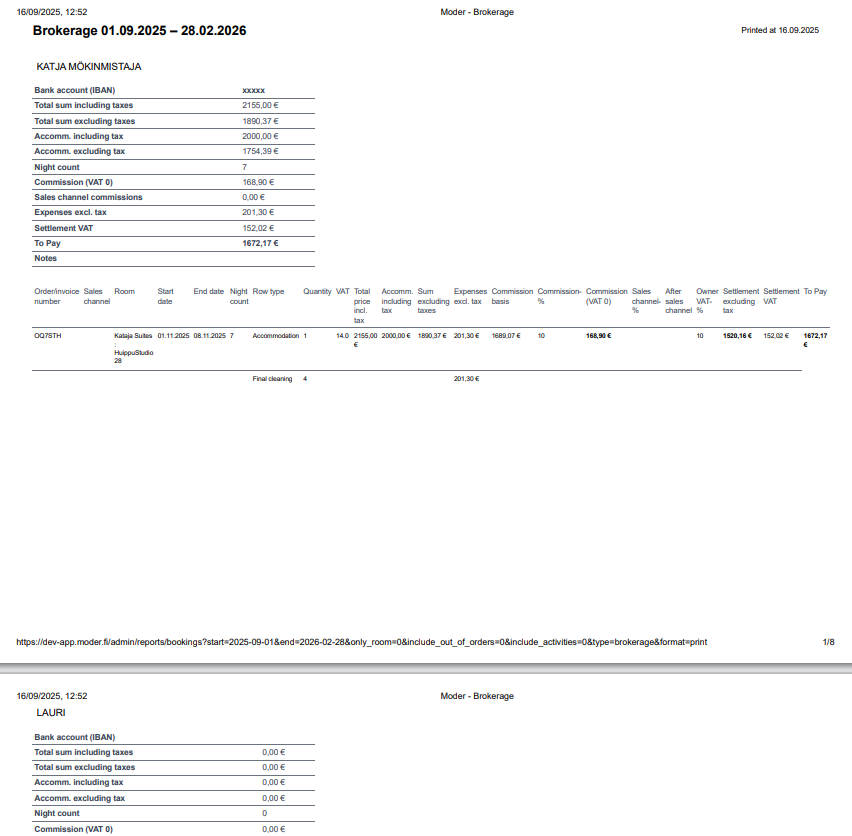
Improvement to the Brokerage report
A small but highly requested improvement has been made to the agency sales report. When the owner changes, the page now also changes in the PDF version of the report.